Order
This section will explain how to view the order list and details for your linked store.
Order List
When a customer places an order in your store, our app will collect that order and include only information about products pushed to the store by the app.
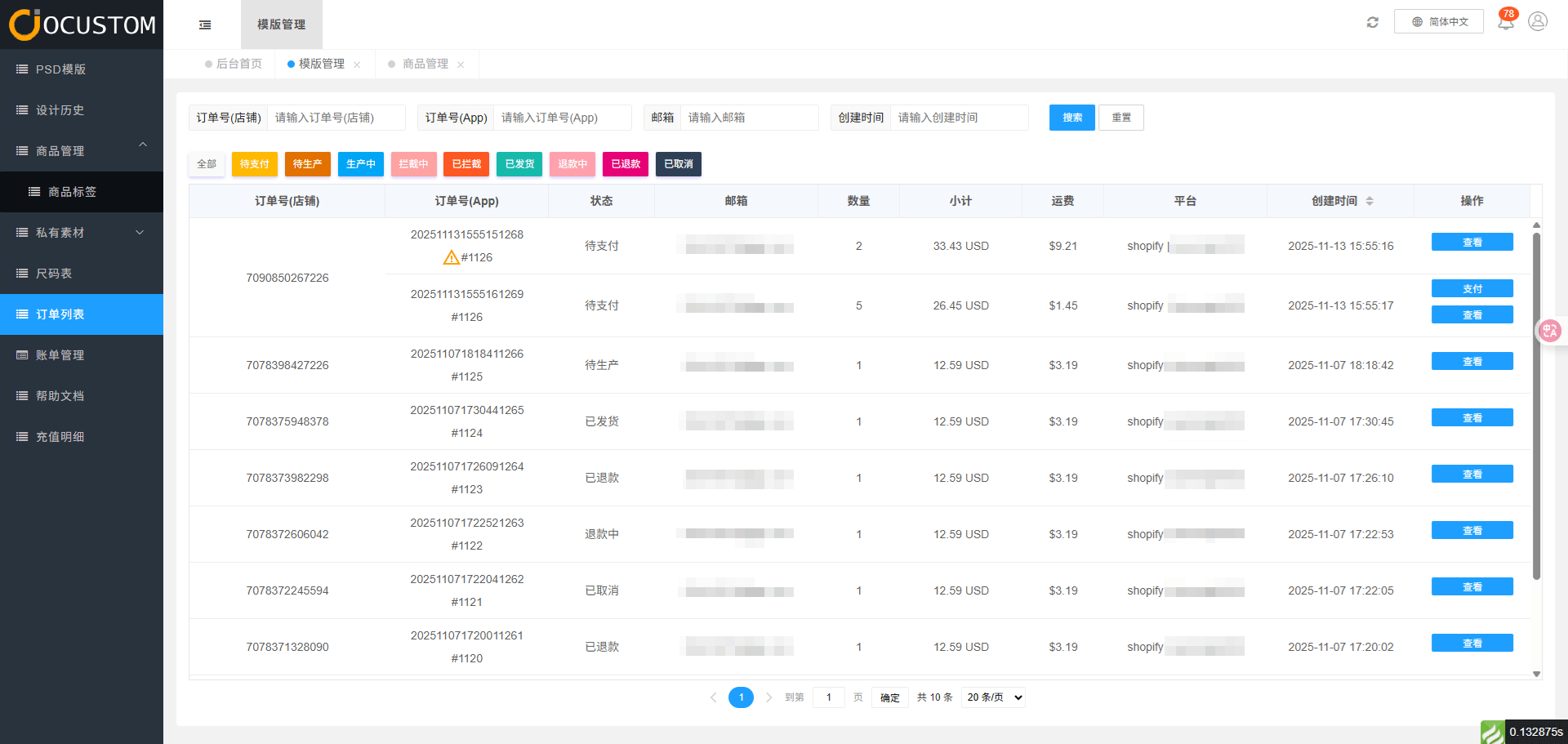
When an order fails to sync from the store to the app backend, the error message shown below will appear. You may contact the administrator to check and handle the issue.
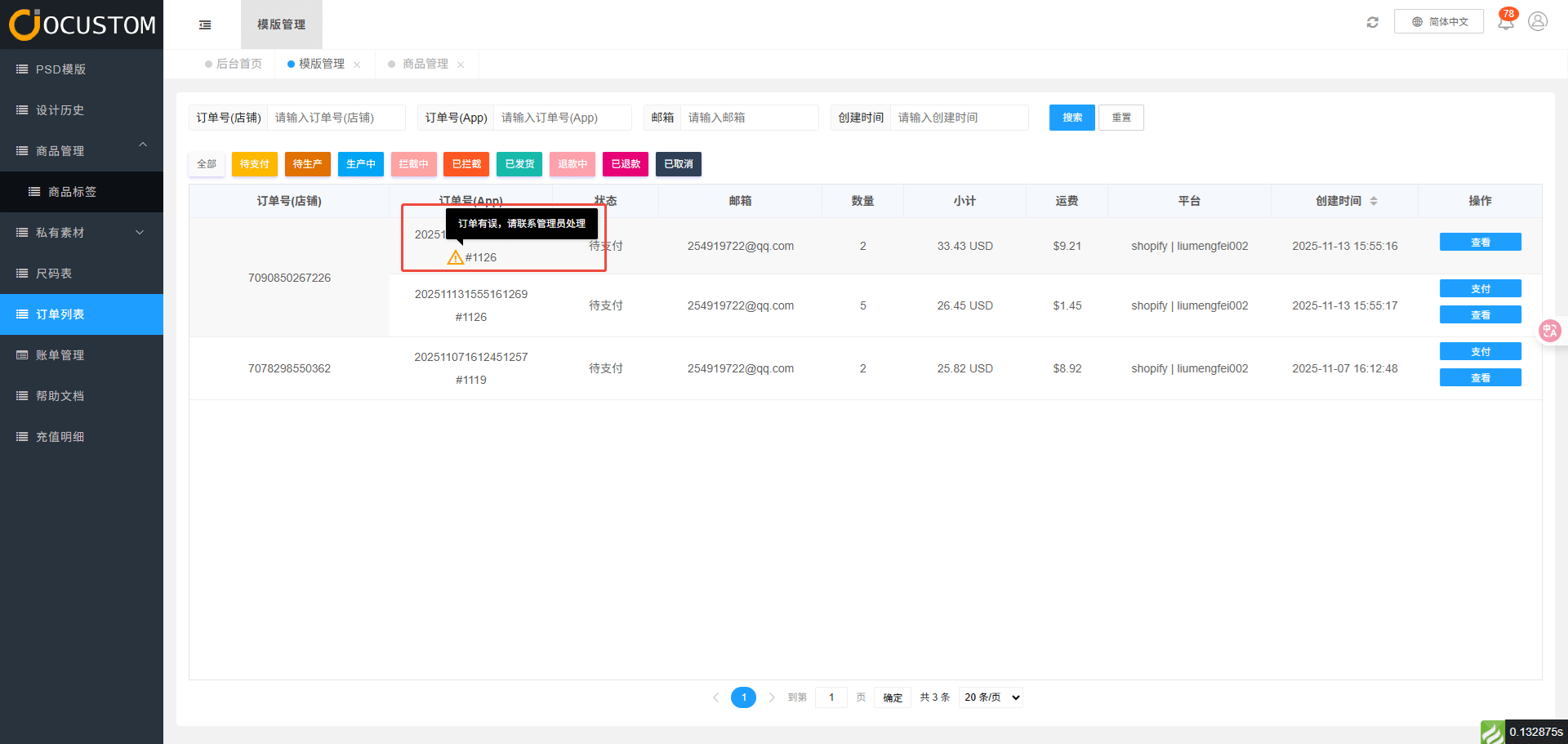
Order Status
- Pending - Order synced from store to app, but order cost price remains in payment status
- Pending Production - Order cost price paid and order pushed to factory, but factory has not confirmed
- In Production - Factory has confirmed the order
- Intercepting - Order status when requesting factory to intercept production or shipment
- Intercepted - Factory successfully processed the order's intercept request. If failed, status remains Production in Progress.
- Fulfilled - Status when the factory completes order shipment processing.
- Refunding - Order status when a refund is requested.
- Refunded - Order status when the refund request is approved.
- Cancelled - Status after cancellation when the order cost price remains unpaid.
TIP
You can filter and search the list based on the order status bar above.
Order Details
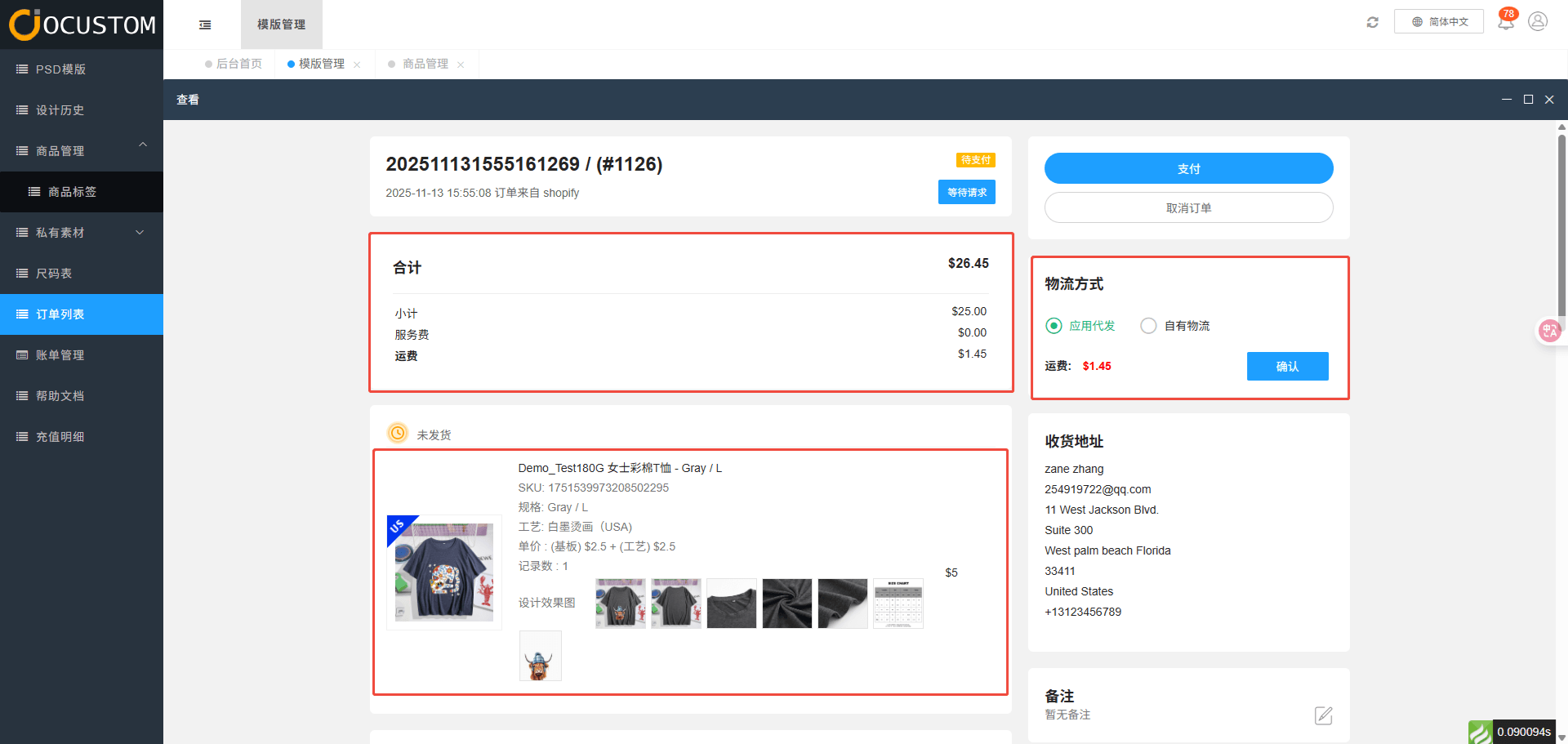
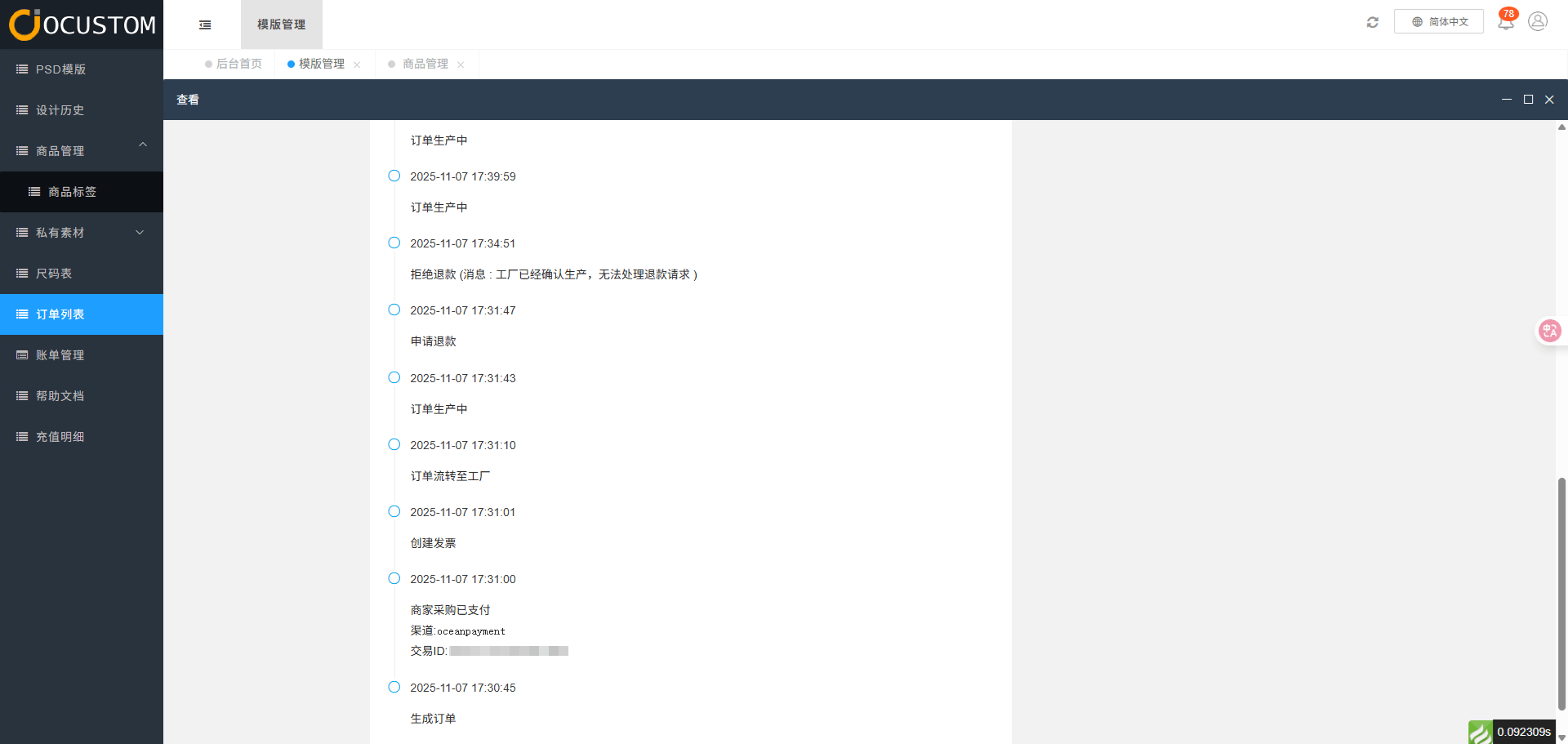
Click the View button to display the order details page, which includes the shipping method, custom product display, total amount, and order status section.
Order Payment
You will need to pay the cost price and processing fee for your current order. Once payment is completed, our factory will immediately begin production for you.
TIP
Our system currently only supports payments in US dollars.