Product - JOCUSTOM
This interface displays the unique personalized product you created in the previous step.
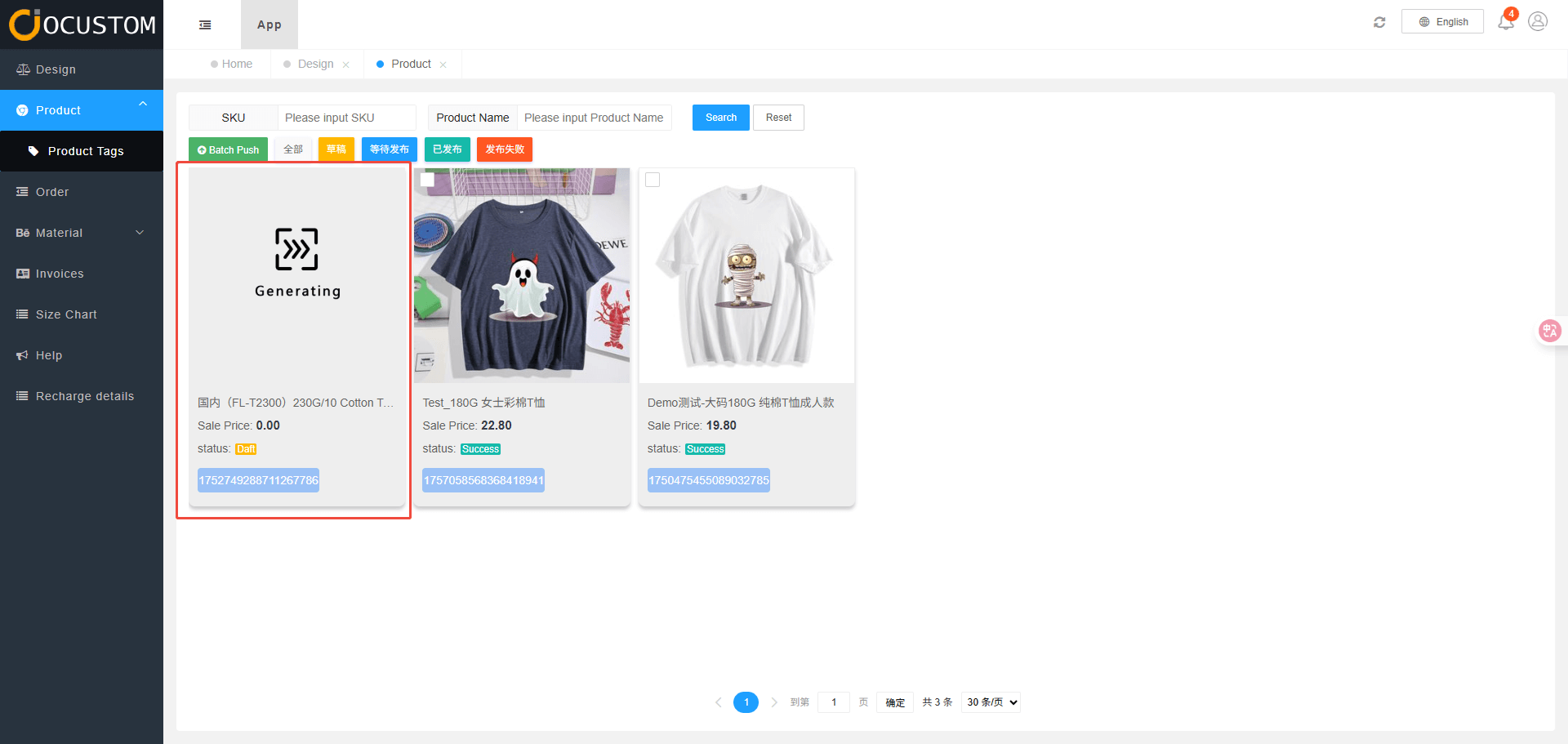
Product generation in progress
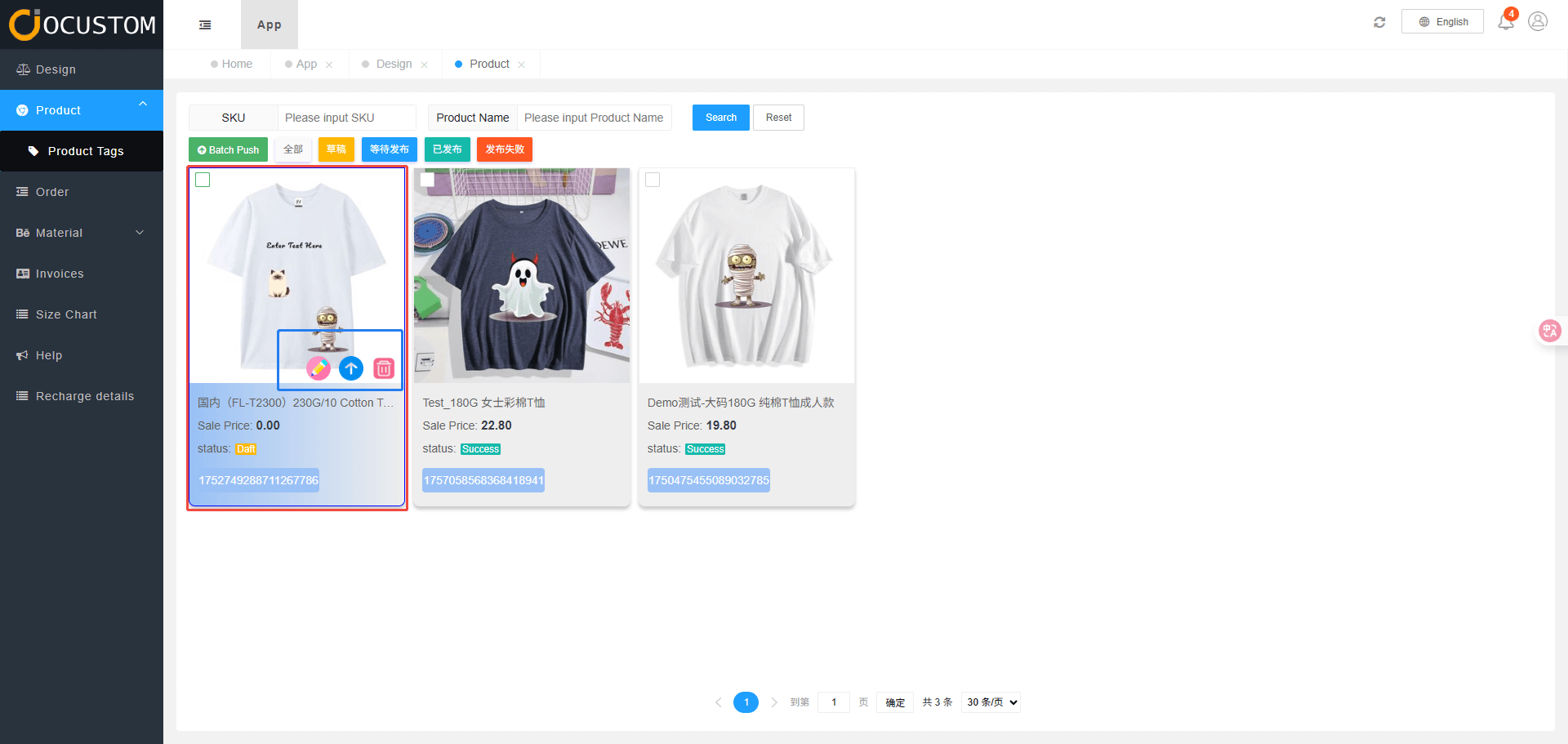
Product generation successful
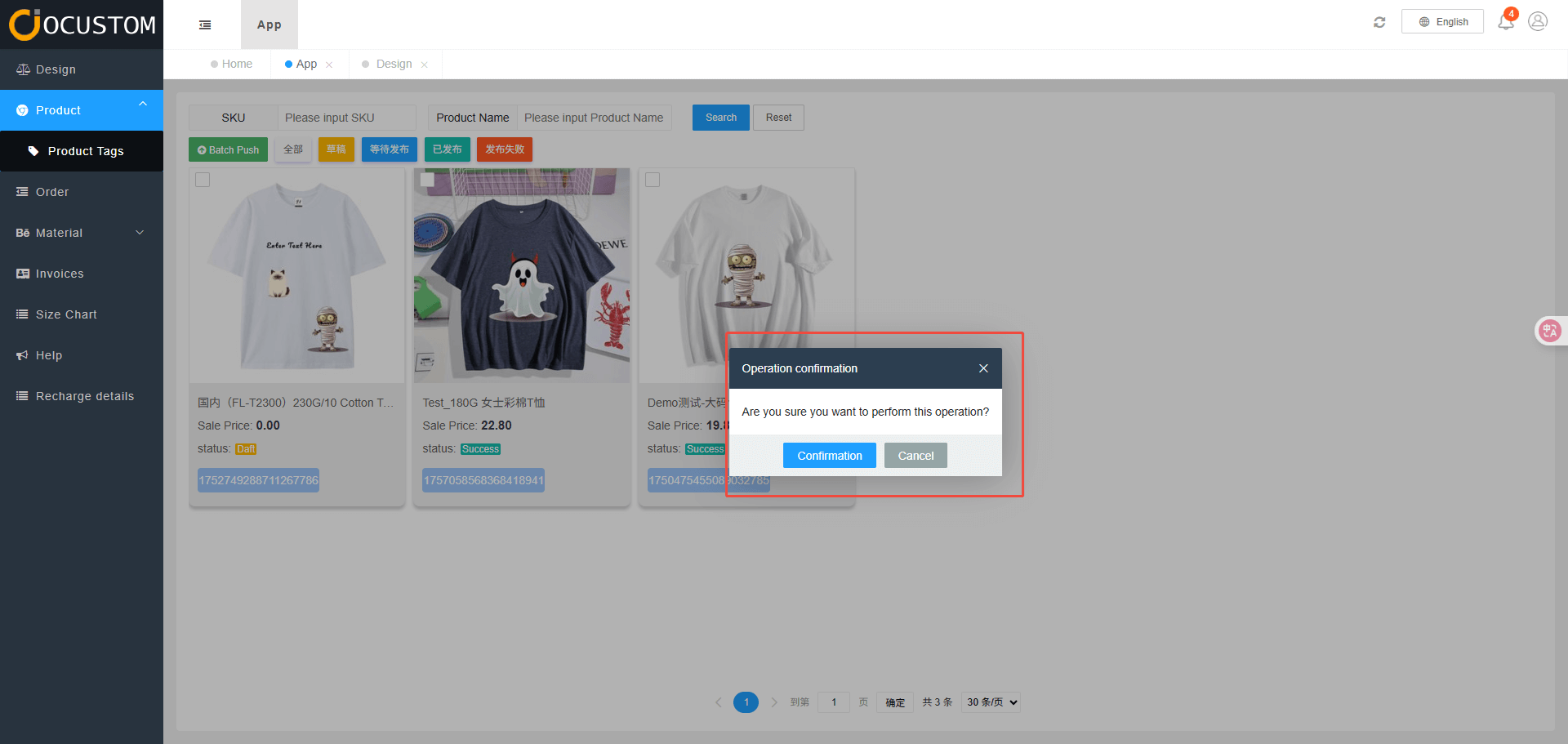
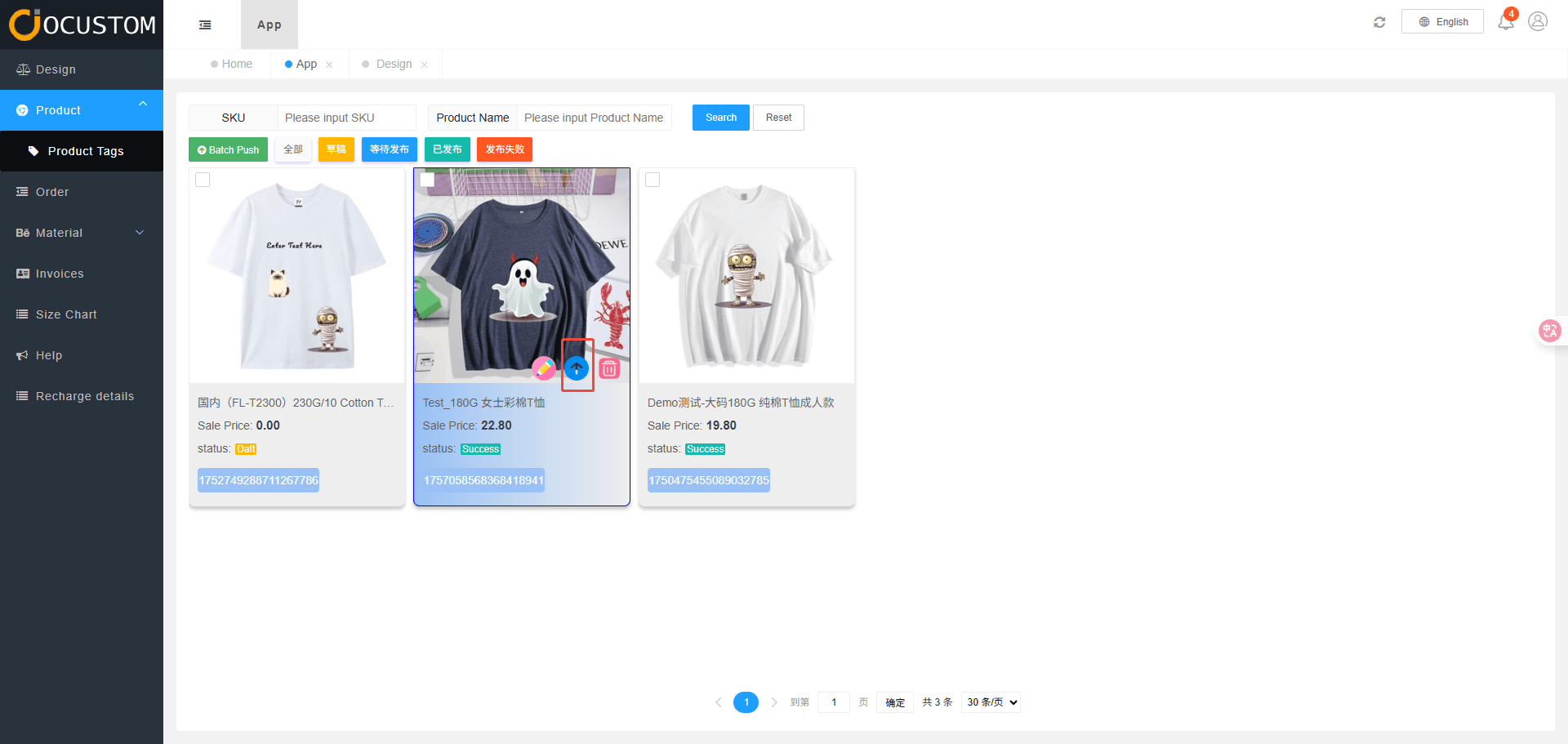
Synchronize Products
TIP
After editing and clicking Save, you will return to the product list interface. At this point, you can click the Sync button to synchronize the product to your store.
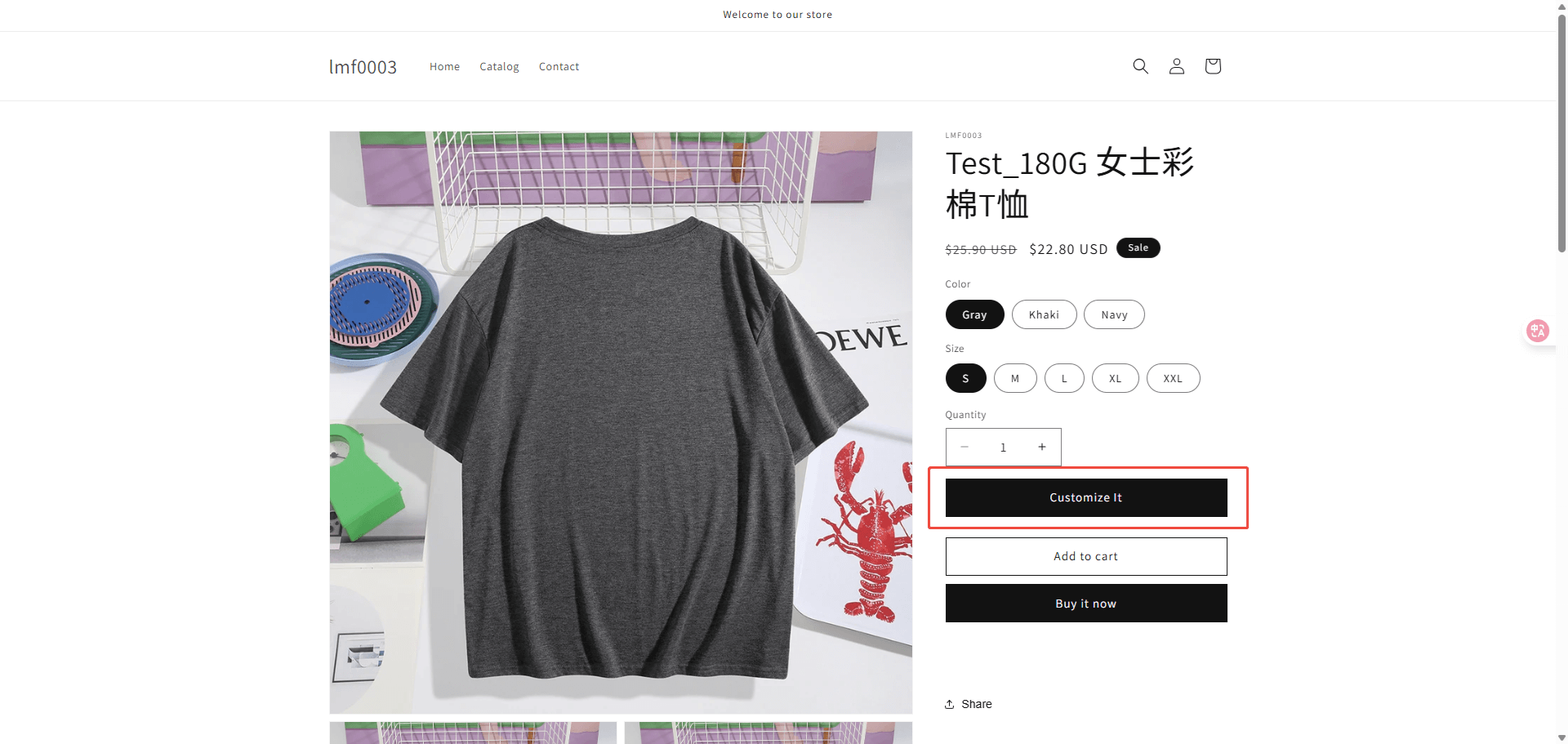
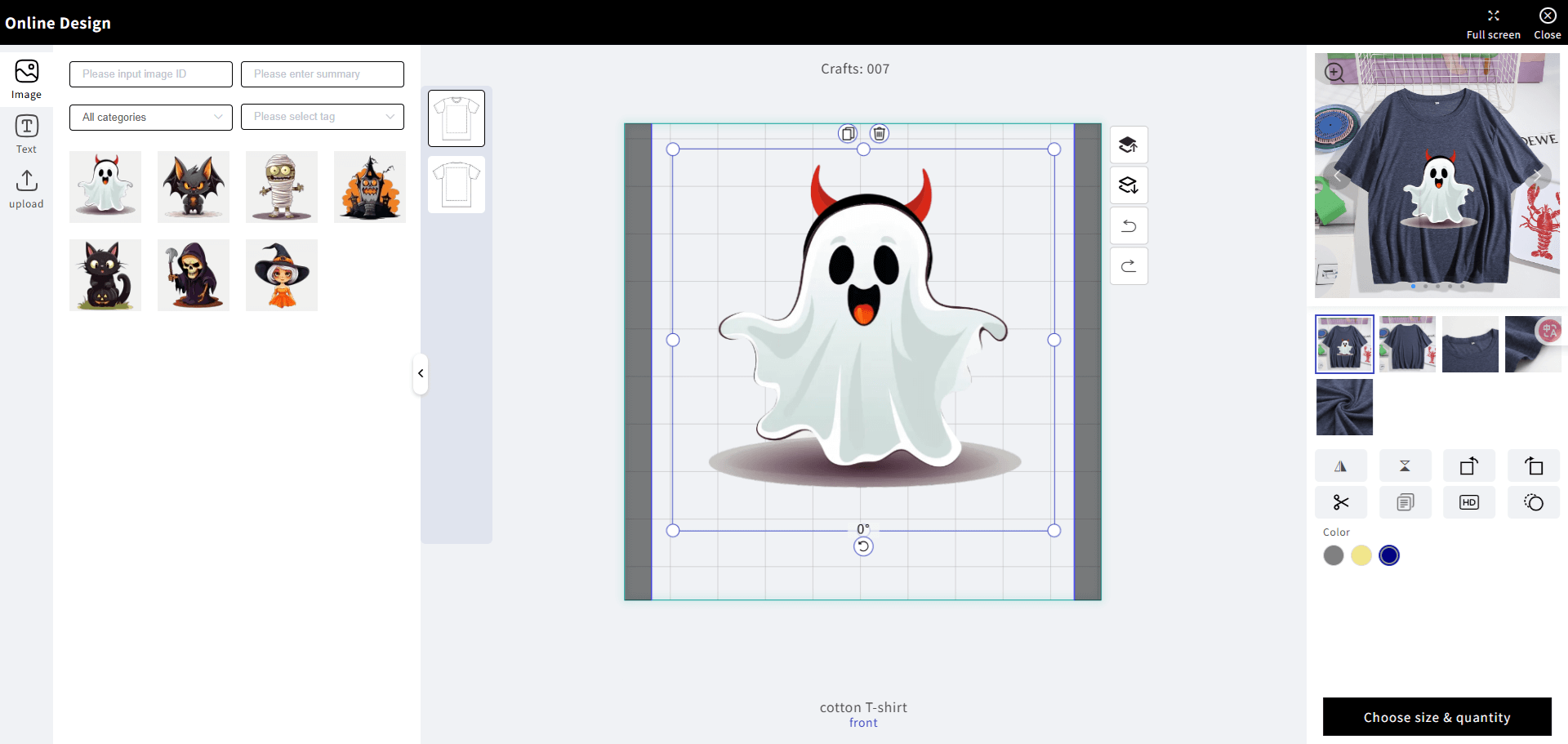
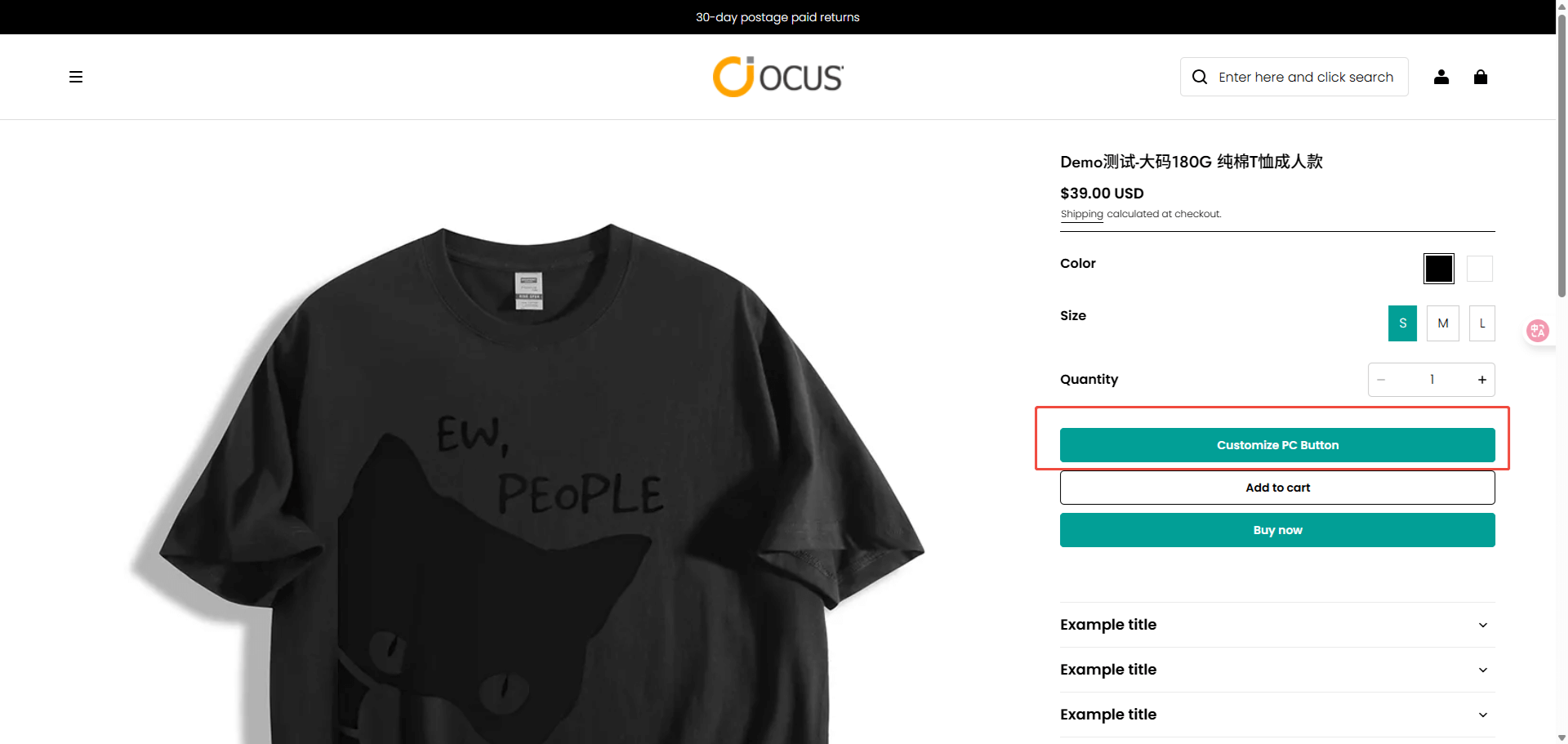
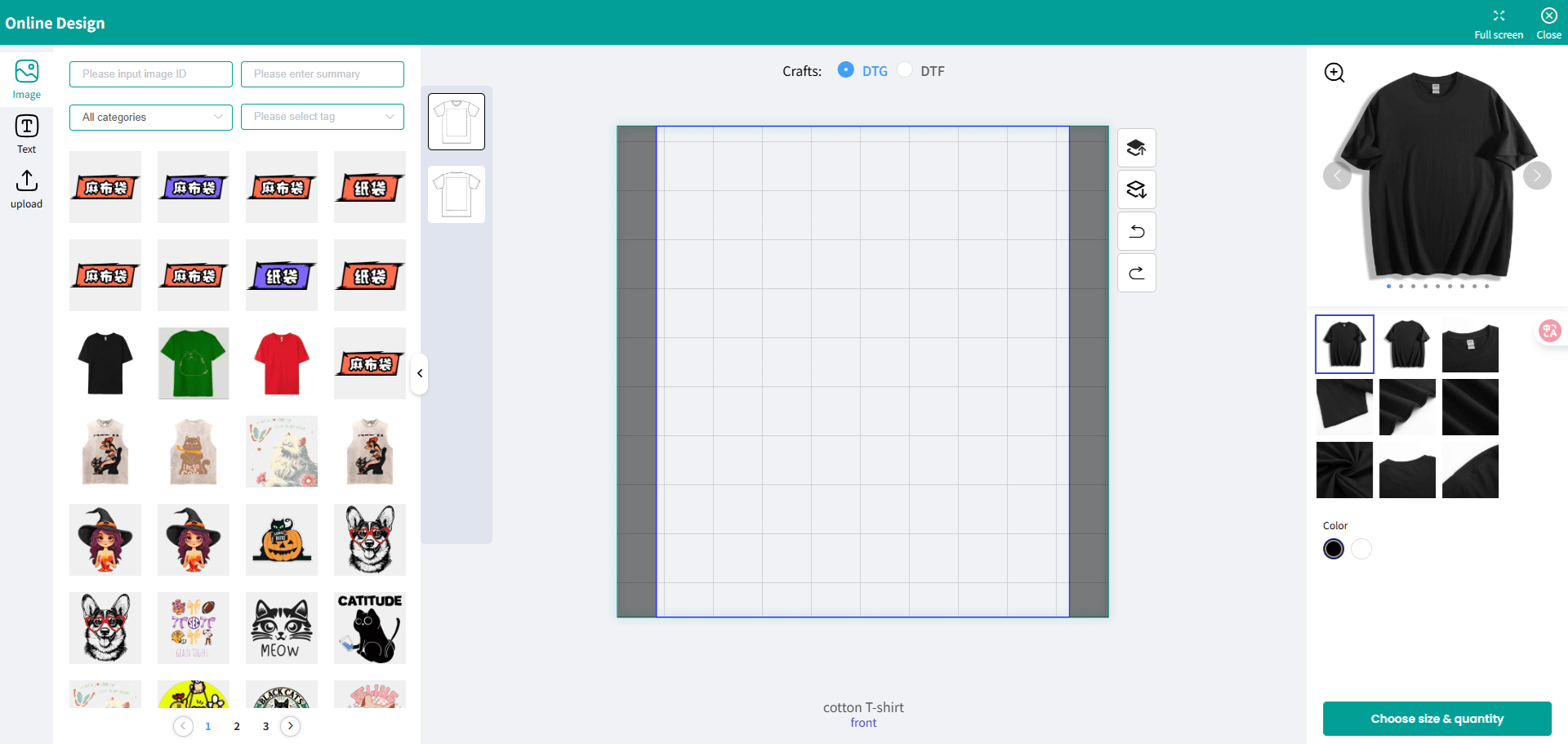
After successfully syncing the product to your store, you can navigate to your storefront, access the product, open the product details page, and the customization button will appear.
Shopify
Shopline
WARNING
You can edit, synchronize, and delete all products displayed in the product list.
Please exercise caution when performing a deletion operation. Once executed, the item will be permanently removed.